
Edit an Event
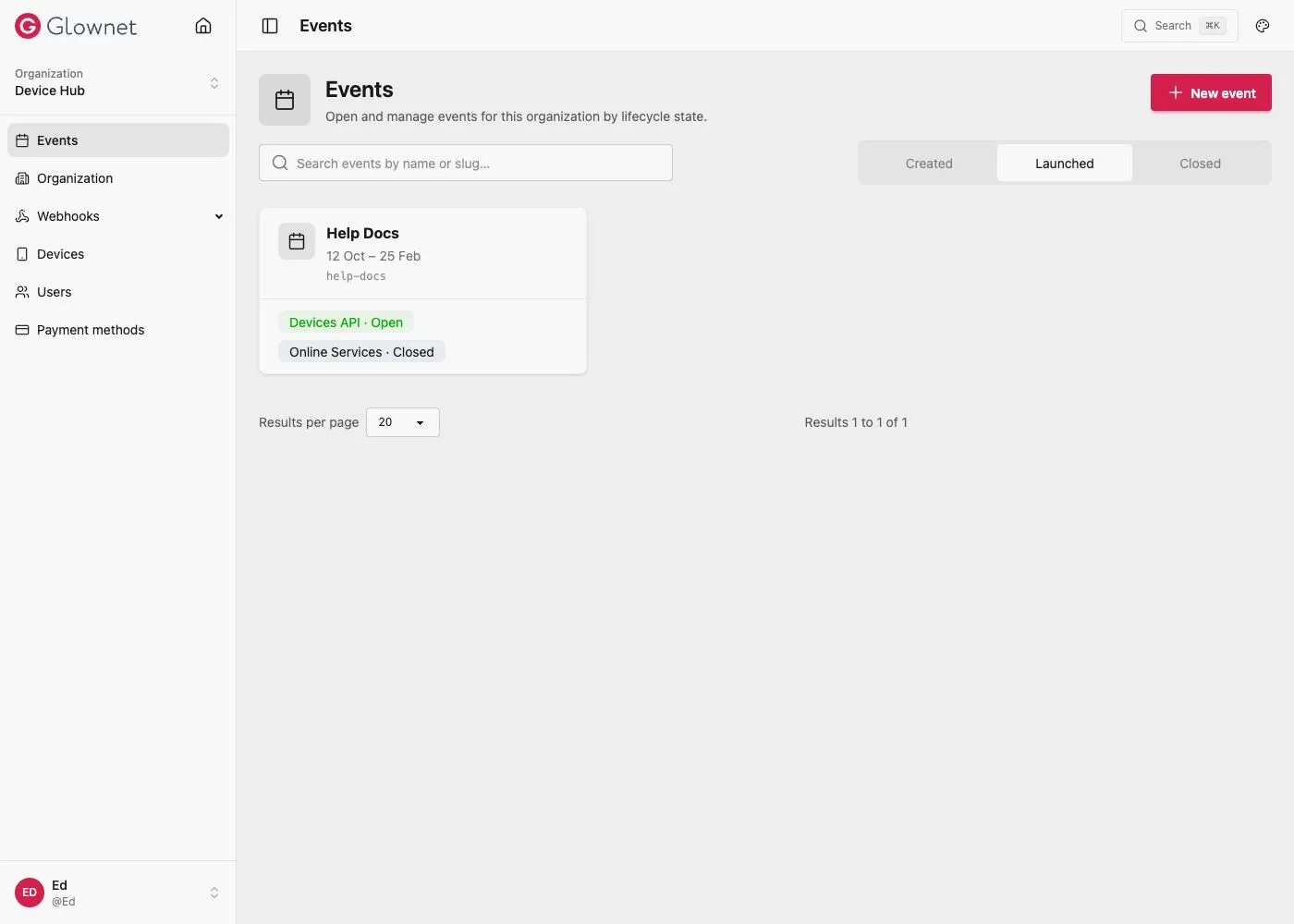
- Sign in to Dashboard.
- Select Events from the organization menu.
- Open the event you want to edit (created, launched, or closed).
You land on the event Overview. Use the event sidebar for Stations, Catalog, Customers, Analytics, Loyalty (if enabled), and Settings.
Common next steps
General settings Name, timezone, and basic event fields.
Currencies Credits, tokens, and spending order.
Payments Tenders, split payments, wallets, tips.
Navigation map Full sidebar reference.