
Loyalty tiers
Tiers define membership levels in your loyalty program.
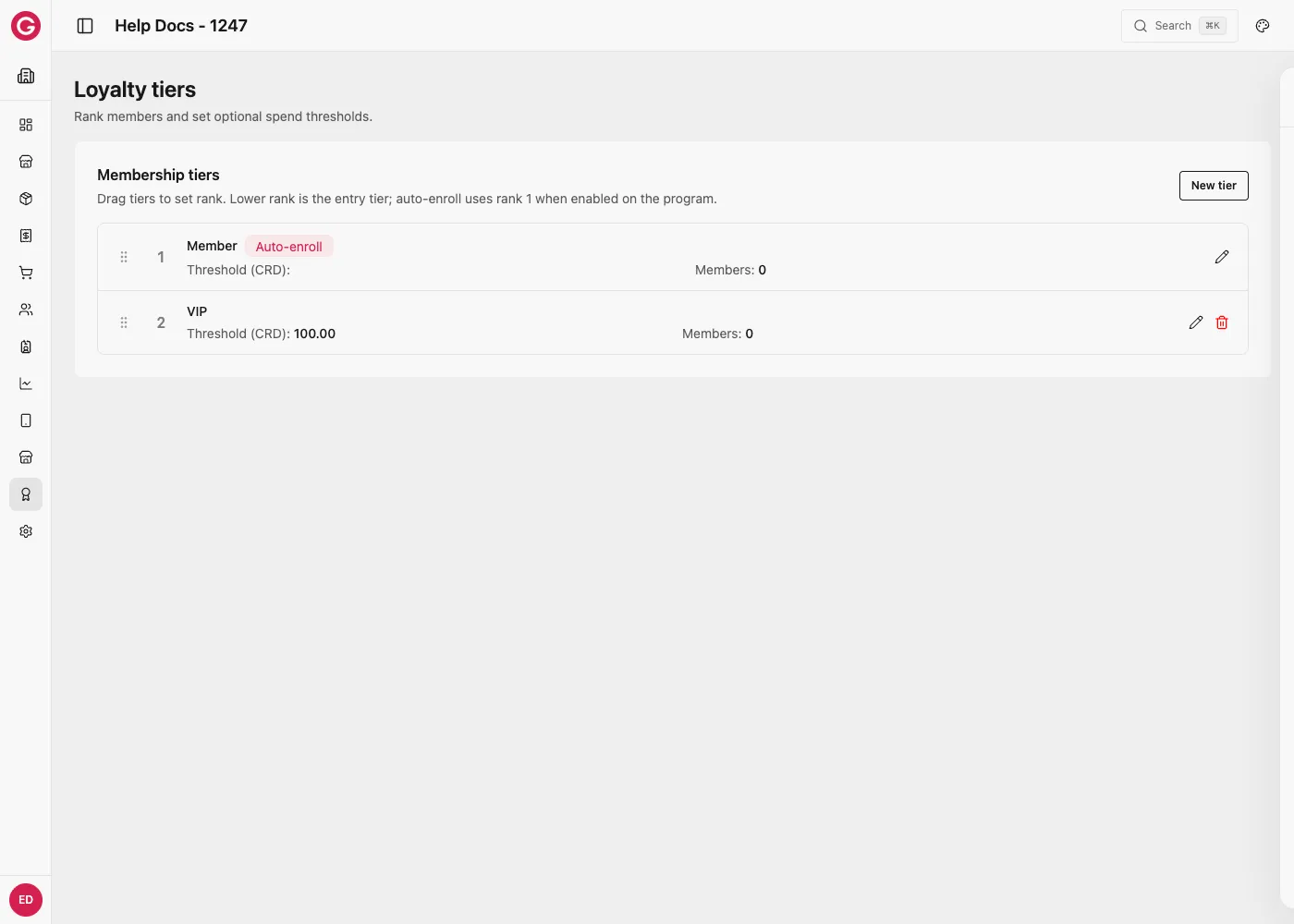
Manage tiers
- Open your event in Dashboard.
- Go to Loyalty → Tiers.
- Create a tier or open an existing one to edit its name and membership rules.
- Use tier enrollment tools (UI or CSV) to add or end members.
Tips
- Keep the base tier simple if you auto-enroll every guest.
- Higher tiers should map clearly to benefits defined under Rules & rewards.
- Export tier members when you need an offline audit list.
Worked example: a two tier festival program
A weekend music festival wants every wallet holder to earn points, but bigger spenders should get a real discount. Two tiers cover this:
| Tier | Rank | Threshold | Who reaches it |
|---|---|---|---|
| Member | 1 | No threshold | Every guest, from the moment they top up |
| VIP | 2 | 100 CRD spent | Guests who cross 100 CRD in purchases during the event |
- Create the Member tier first with no threshold. Every new wallet starts here.
- Create a VIP tier with Threshold CRD set to
100. Opera automatically moves a member from Member to VIP once their tracked spend crosses that amount. - Leave both tiers active for the whole event. Rank order (Member below VIP) controls which tier counts as an upgrade.
This two tier ladder is deliberately simple: no manual enrollment, no CSV import, just a spend threshold the platform tracks on its own. It pairs with the earn rule and discount reward example to give VIP members a real 10% discount once they qualify.
Memberships & CSV enrollment enroll and end actions via CSV.