
Modules
Modules control which features appear in the event sidebar, Settings, stations, and on Touch. Open Settings → Modules and toggle what this event needs.
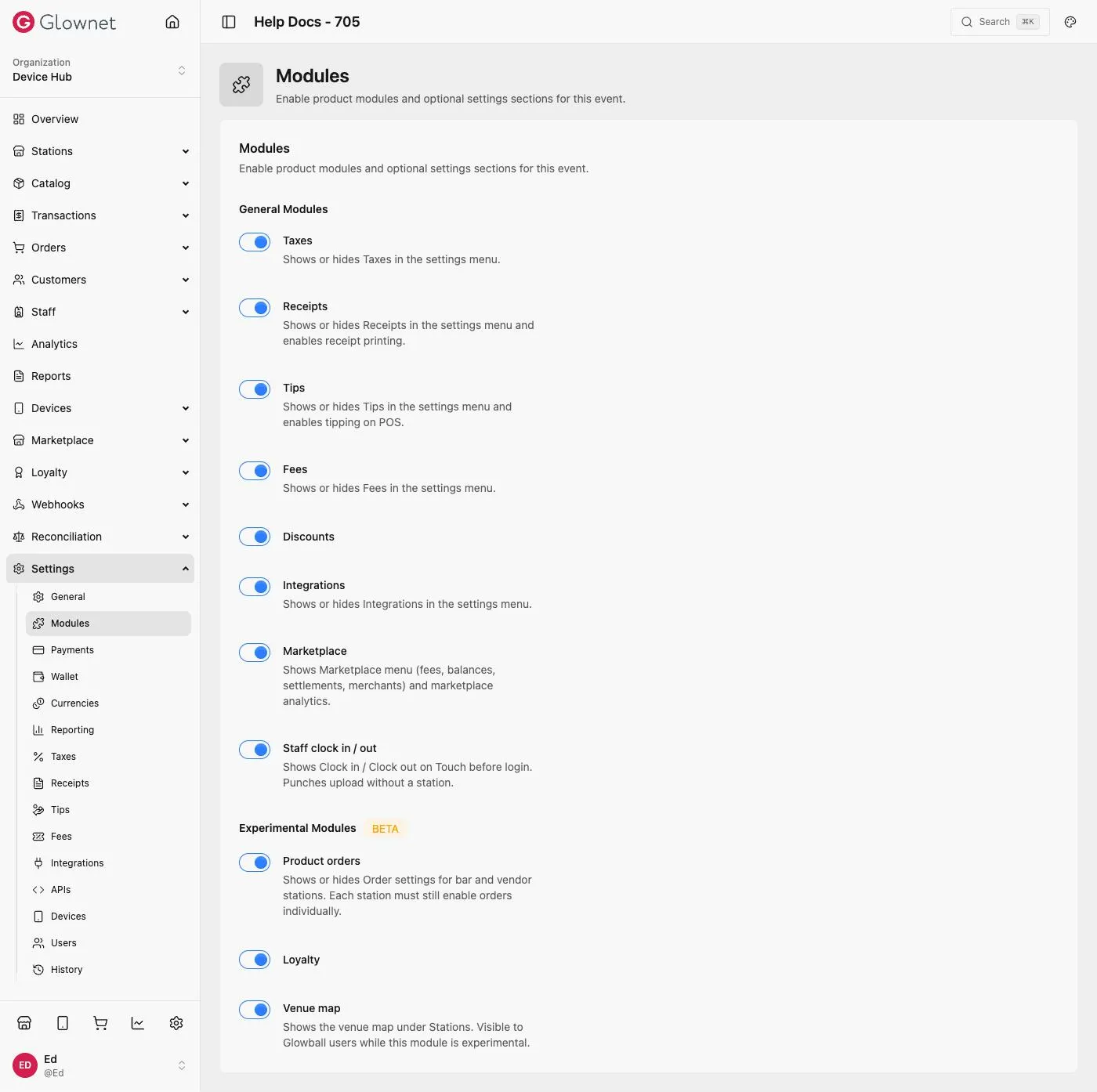
Open Modules
- Open Dashboard and select your event.
- Go to Settings → Modules.
- Toggle modules on or off (changes autosave).
General modules
| Module | What it unlocks |
|---|---|
| Taxes | Settings → Taxes; product tax pickers |
| Receipts | Settings → Receipts; receipt printing |
| Tips | Settings → Tips; POS tipping (stations may override) |
| Fees | Settings → Fees |
| Discounts | Catalog → Discounts; station discount UX |
| Integrations | Settings → Integrations |
| Marketplace | Station marketplace fees + marketplace analytics |
Experimental (BETA)
| Module | What it unlocks |
|---|---|
| Product orders | Station Order settings on bar/vendor (each station still enables orders) |
| Loyalty | Loyalty sidebar and membership flows |
Related
Tips Event tip presets.
Taxes Tax items and rates.
Loyalty Loyalty after the module is on.