
Tips
Tips control whether Touch shows a tip screen and which percentage presets appear. Enable the module first, then configure presets.
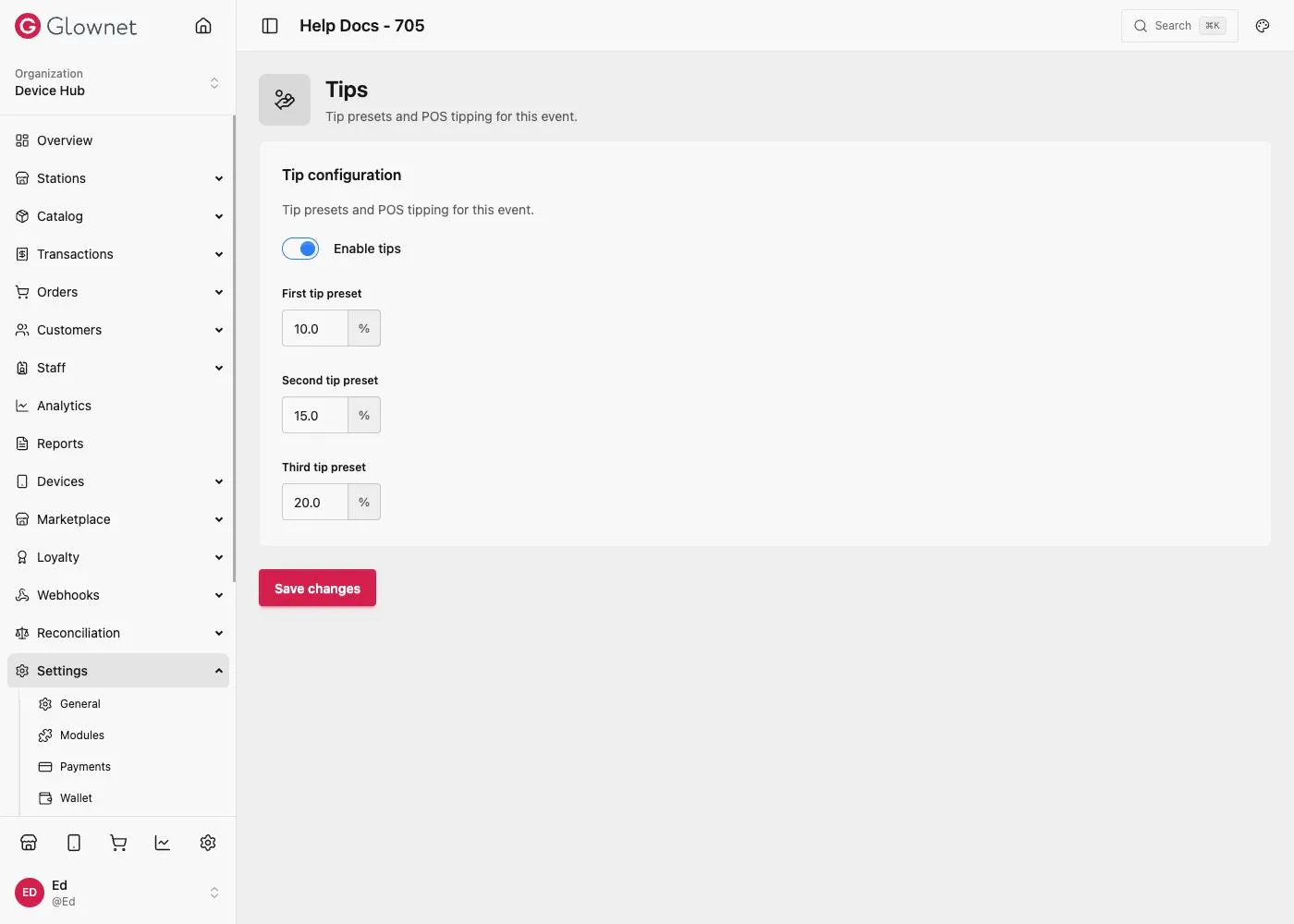
Enable and configure
- Open Settings → Modules and turn Tips on.
- Go to Settings → Tips.
- Enable tips for the event.
- Set First, Second, and Third tip presets (percentages).
- Save.
Station override
POS stations can follow the event or override tips under Station → Settings → General using Same as event. See Station General.
Operators
Cashiers: Tips on Touch.
Modules Turn Tips on.
Station General Same as event tips override.
Payments settings Related money settings (split, wallets).