
Settings devices
Settings → Devices covers event-level device configuration. Day-to-day staging and tracking live under the event Devices sidebar — see Devices overview.
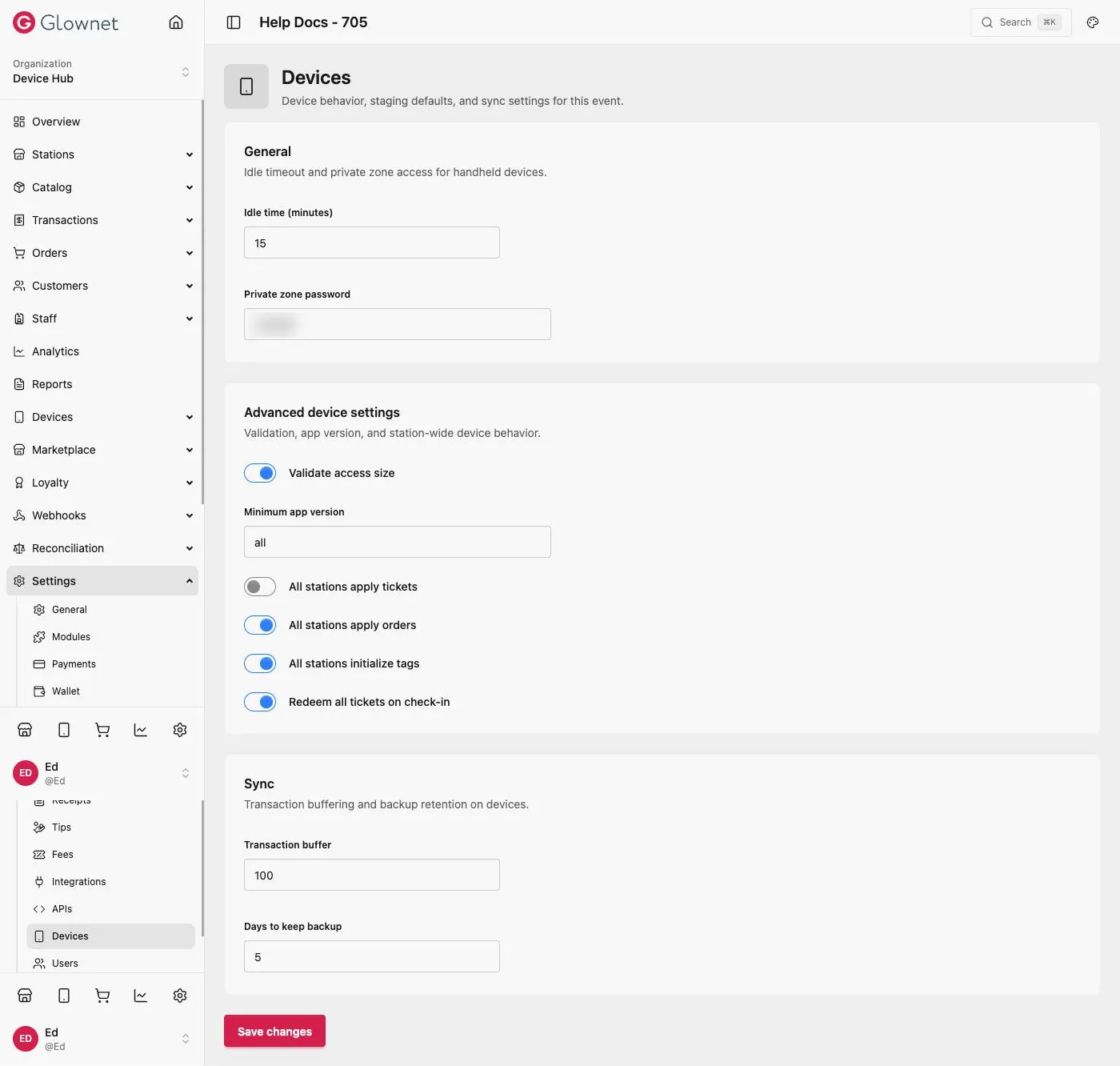
- Open the event → Settings → Devices.
- Review device-related event options.
- Save changes.
General
| Setting | Description |
|---|---|
| Idle time (minutes) | How long a handheld device can sit idle before it locks |
| Private zone password | Password required to reach a device’s private/admin zone |
Advanced device settings
| Setting | Description |
|---|---|
| Validate access size | Checks access-type capacity before allowing entry |
| Minimum app version | Oldest Touch app version allowed to connect (all to allow any) |
| All stations apply tickets | Every station can apply/assign tickets, regardless of its own station setting |
| All stations apply orders | Every station can process catalog orders |
| All stations initialize tags | Every station can activate new tags |
| Redeem all tickets on check-in | A single check-in redeems every ticket the customer holds, not just one |
Sync
| Setting | Description |
|---|---|
| Transaction buffer | How many transactions a device queues before forcing a sync |
| Days to keep backup | How long local device backups are retained before being cleared |
Operational guides: Devices overview.
Devices Install, register, stage, sync.
APIs Turn the Devices API on for this event.