
Station General settings
Station → Settings → General holds operational toggles for a station, including Same as event copies for tips and validation.
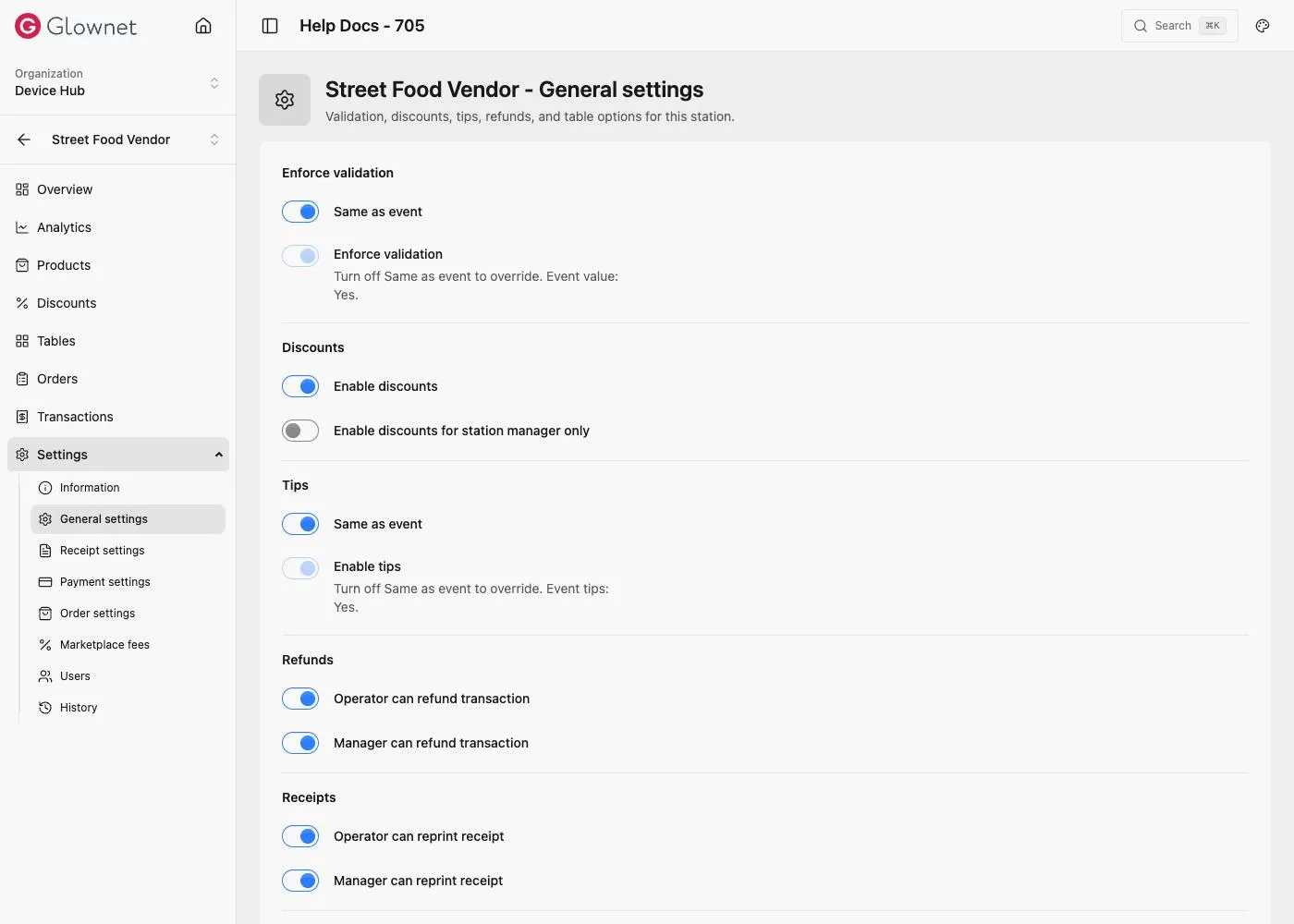
Open General
- Open the station in Dashboard.
- Go to Settings → General settings.
Same as event
| Setting | Behaviour |
|---|---|
| Enforce validation | On Same as event: use event value. Off: set a station-specific override. |
| Tips (POS) | On Same as event: use event Tips. Off: enable/disable tips for this station only. |
Other POS options
Depending on station type, you may also configure:
- Discounts on / manager-only
- Operator / manager refund permissions
- Operator / manager reprint receipt
- Optional Viva lookup
- Enable tables (bar/vendor)
Event Tips Presets and enable.
Station payments Same as event for tenders.
Tips on Touch Cashier tip screen.