
Settlements
Settlements lists every payout made against a station’s Marketplace balance, whether paid automatically via a connected merchant through Settle, or recorded manually.
Where to find it
-
Open Dashboard and select your event.
-
Go to Marketplace → Settlements.
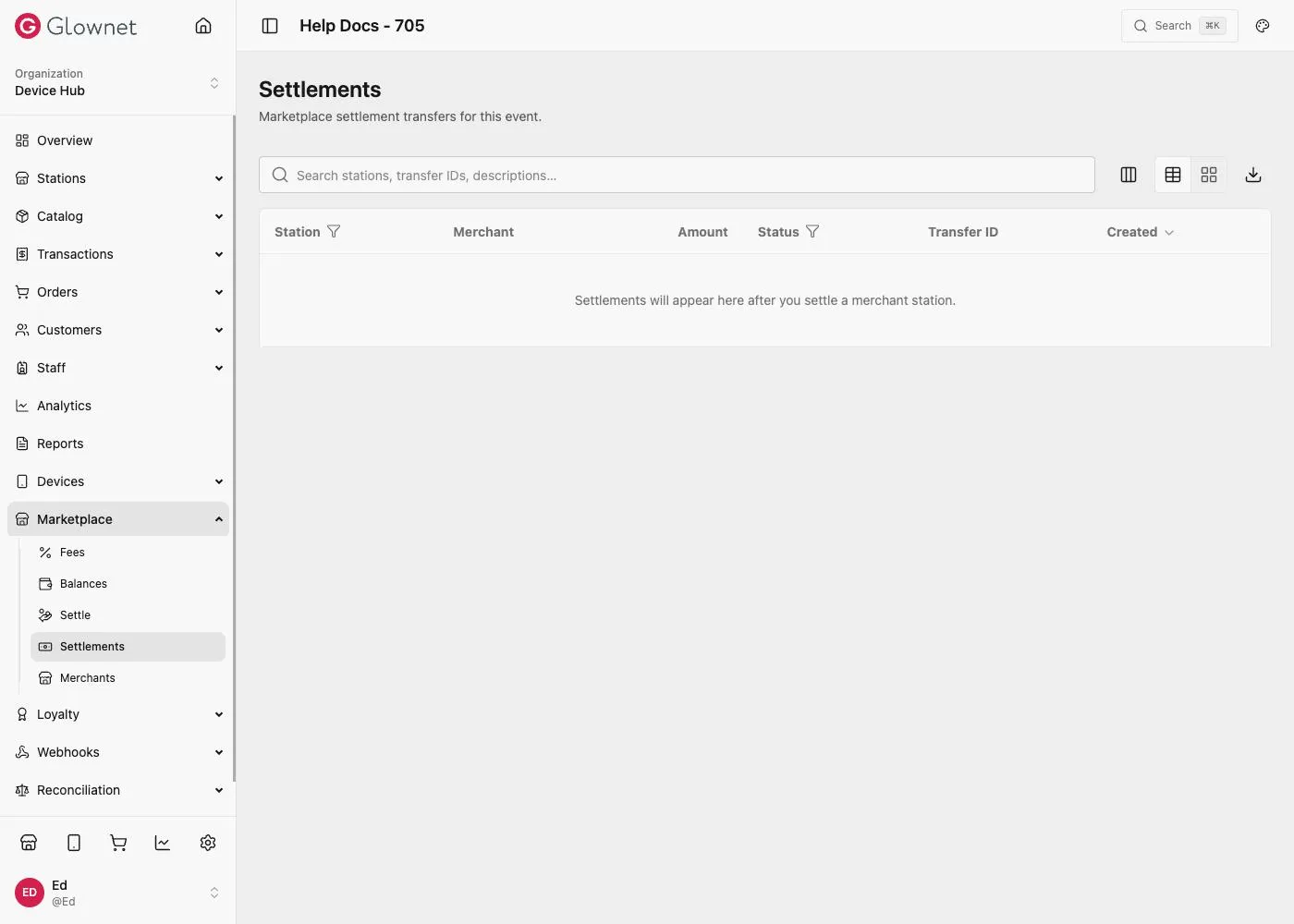
Reading the list
| Column | Meaning |
|---|---|
| Station | The station the payout was for |
| Merchant | The connected merchant paid, or No merchant linked if the station had no connected merchant at the time |
| Amount | The amount transferred |
| Status | Whether the transfer completed |
| Transfer ID | The payment provider’s transfer reference, for automatic settlements |
| Created | When the settlement was recorded |
Use the search box to find a settlement by station name, transfer ID, or description. Switch between list, table, and card layouts, or export the results, using the controls above the table.