
APIs
Settings → APIs controls which online services are open for this event — the same switches referenced in the Launch warning.
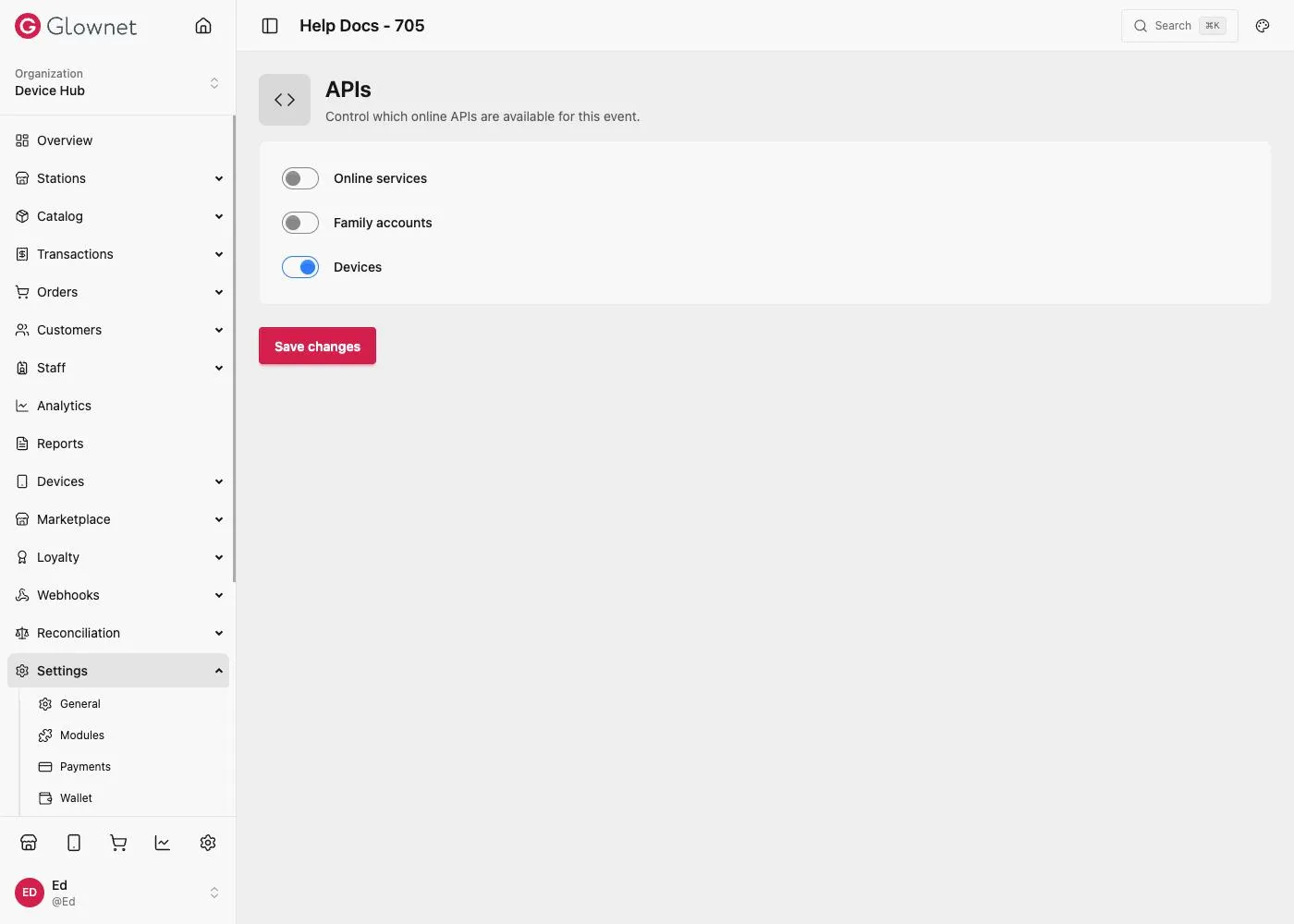
Open APIs
- Open your event in Dashboard.
- Go to Settings → APIs.
- Toggle what this event needs, then Save changes.
Toggles
| Toggle | What it controls |
|---|---|
| Online services | The customer portal and online wallet (top-ups, purchases, online digital tag creation — see Wallet) |
| Family accounts | (Experimental) Shared wallet across multiple wristbands |
| Devices | Allows devices running the Android App to connect to the platform and sync |
Devices Device behavior, staging defaults, and sync settings.
Wallet Online wallet top-ups, purchases, and digital tag creation.