
Station tables
Tables appear on bar/vendor stations when Enable tables is on under Station General.
Enable tables lives at the bottom of the station’s Settings → General settings page, alongside Validation, Discounts, Tips, Refunds, Receipts, and Wallet toggles for that station.
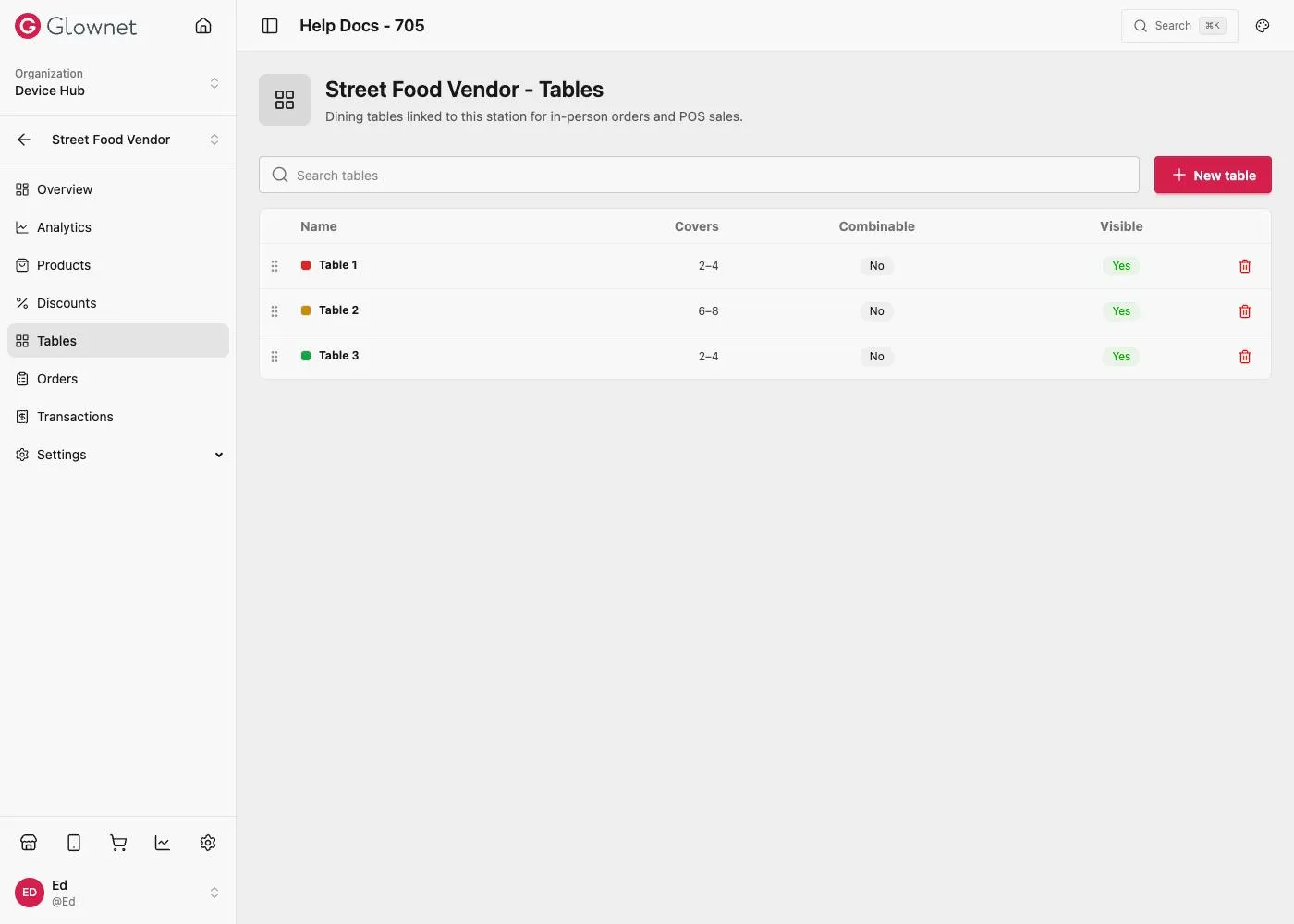
Enable and manage
- Open the station → Settings → General.
- Turn Enable tables on.
- Open Tables in the station sidebar to manage table layout / list for Touch.
Use with Order settings when Product orders (BETA) is enabled for table service modes.
Station General Enable tables toggle.
Station Orders Table / tab / pickup modes.