
Dashboard navigation
Dashboard navigation depends on whether you are browsing at organization level or inside an event.
Organization menu
From the org-level Dashboard you typically see:
| Item | Purpose |
|---|---|
| Events | List, create, and open events |
| Organizations | Organization profile (when available for your role) |
| Devices | Organization devices |
| Users | Organization and related users |
| Payment methods | Default SoftPOS / cash / card methods for events |
See Organization payment methods.
Event menu
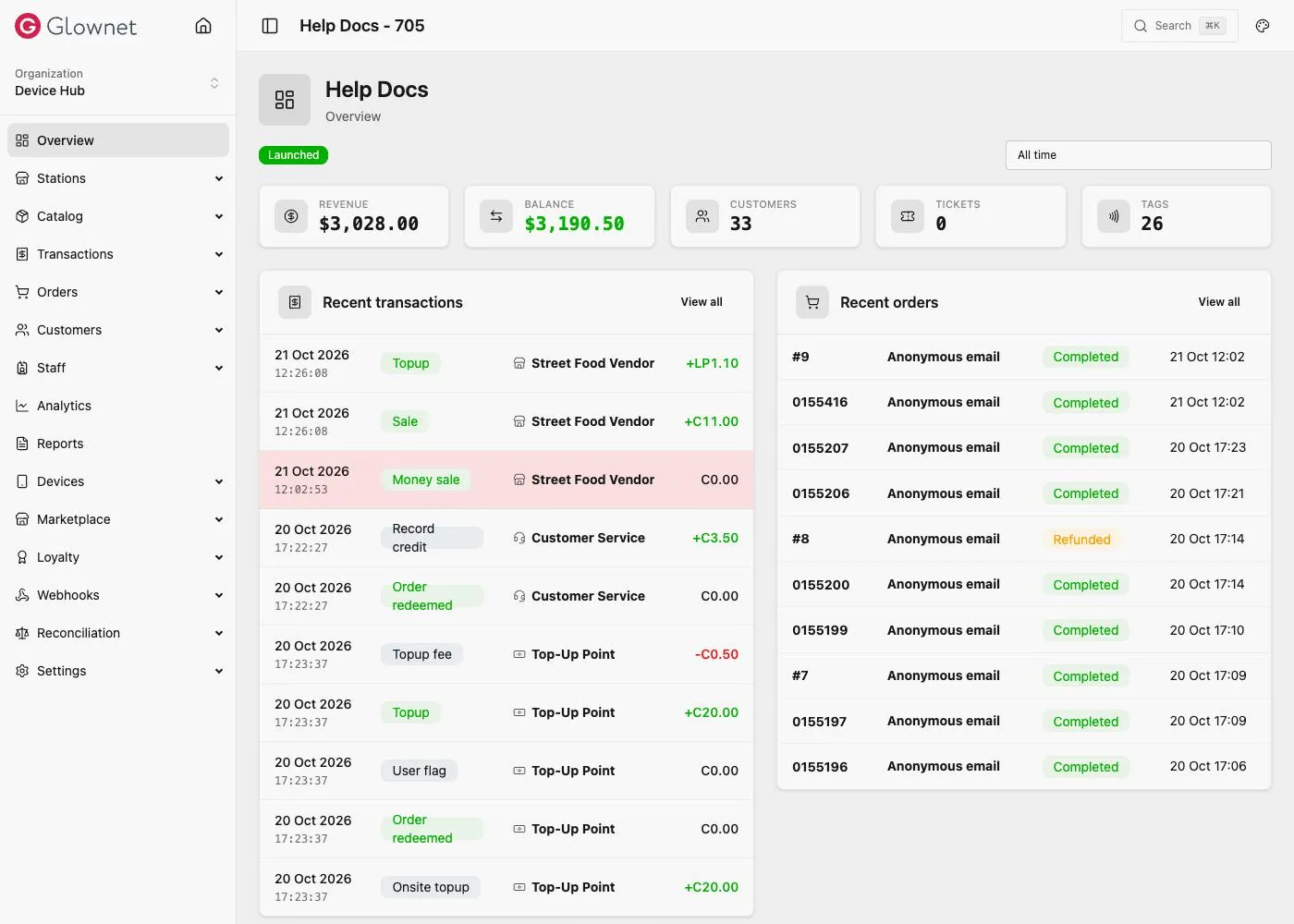
After you open an event, the sidebar includes:
| Item | Purpose |
|---|---|
| Overview | Event snapshot and status. See View an event |
| Stations | Create and configure stations · Locations · Station products |
| Catalog | Products, pricing, variants, modifiers, access types, packs, discount codes |
| Transactions | Transaction ledger |
| Orders | Orders and refunds |
| Customers | Customers, tags, CSV import |
| Staff | Staff credentials |
| Analytics | Reports |
| Devices | Event devices |
| Loyalty | Loyalty, shown when Loyalty is enabled under Modules |
| Settings | Modules, payments, currencies, tips, taxes, and more |
Quick links
Payments settings Split payments, wallets, SoftPOS tenders.
Currencies Credits, tokens, spending order.
Analytics Reports, filters, and export.
Digital Tags QR / server-backed wallets.