
Analytics
Analytics is always on for every event: open Analytics in the event menu. It helps you find the right report, adjust the view, and export results.
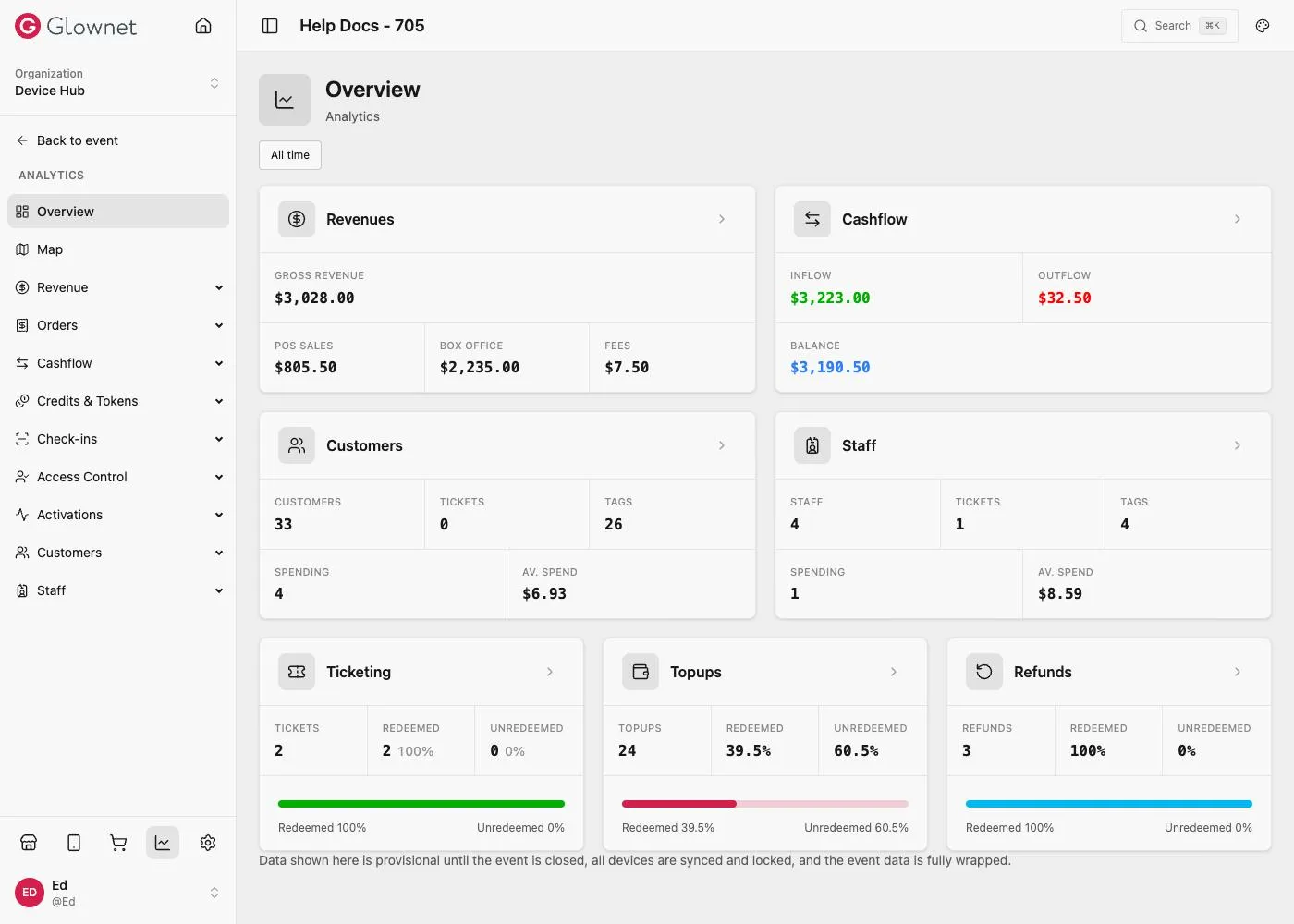
What you will see
- Report menu (left): Sales, Top-ups, Access, Check-ins, and more
- Toolbar (top): date range, export, settings, and (on some reports) Filters
- Summary (optional): key totals for the current report and date range
- Table (main): sortable, groupable, customizable, exportable
Guides
Where to find it Open from the event or a station.
Roles & permissions Why reports may differ by user.
UI guide Filter, customize, and export.