
Getting started with Dashboard
The Opera Dashboard is the admin interface for running commerce at your events: cashless payments, top-ups, POS and access. Use it to configure stations, currencies, payments, customers, loyalty, analytics, and more.
All Commerce documentation in this hub describes the Dashboard UI at /dashboard.
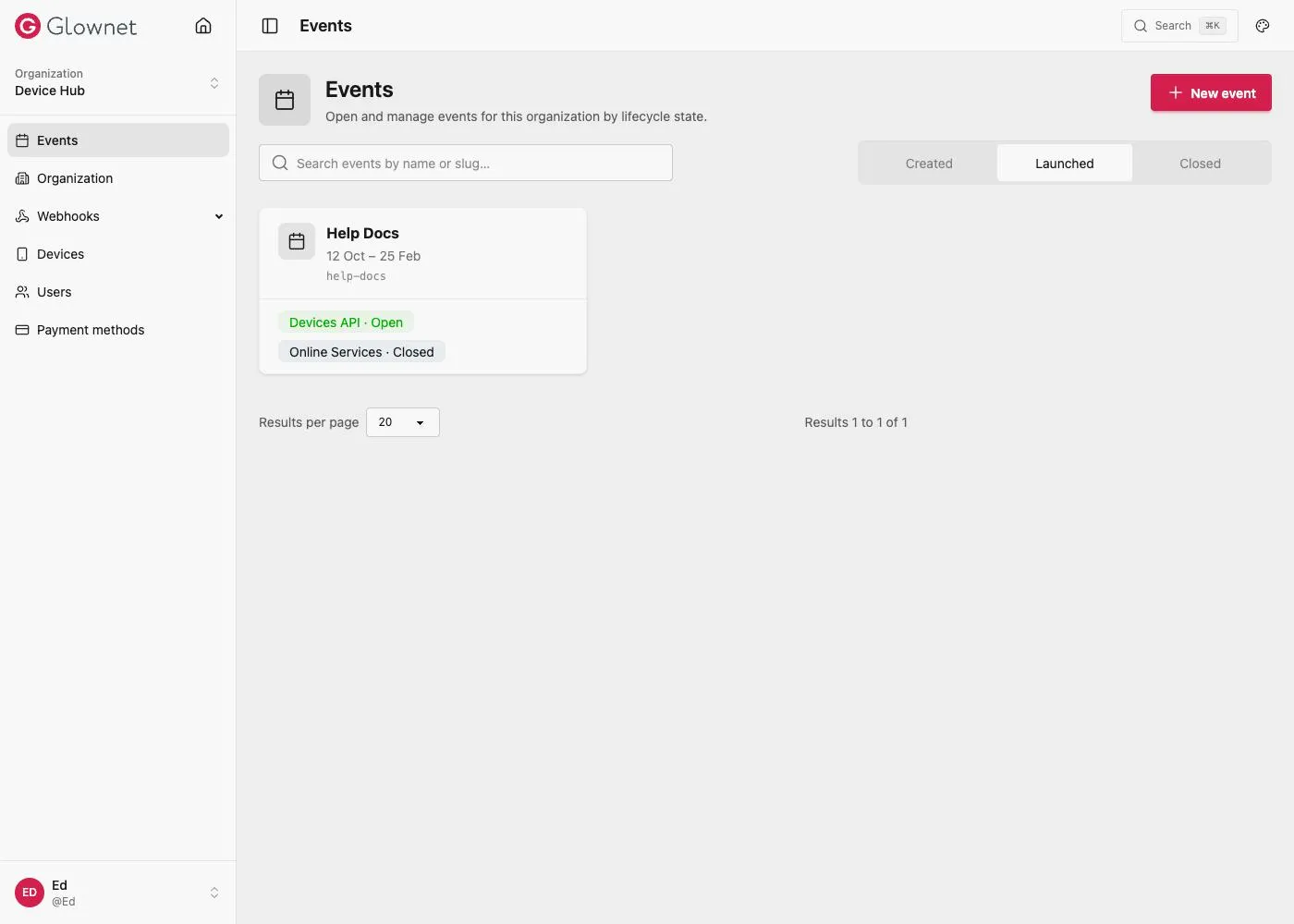
Open Dashboard
- Go to opera.glownet.com/dashboard.
- If you are not signed in, you are redirected to the Dashboard sign-in page.
- Sign in with your username or email and password, or choose Sign in with passkey if you have enrolled one.
After you sign in
You land on the Events list for your organization. Select an event to open its overview and the event sidebar (Stations, Catalog, Customers, Analytics, Settings, and Loyalty when enabled).
Navigation map Org and event menus at a glance.
Roles & access Who can see settings, loyalty, and analytics.
Edit an event Open an event and change its configuration.
Currencies Configure up to five event currencies.
Related operator docs
Cashiers use the Glownet Touch app. See Operator Manuals and POS features for on-device flows.