
Digital Tags
Digital Tags are server-backed wallets customers present as a QR code (eTag) on Touch. They complement physical RFID wristbands and cards.
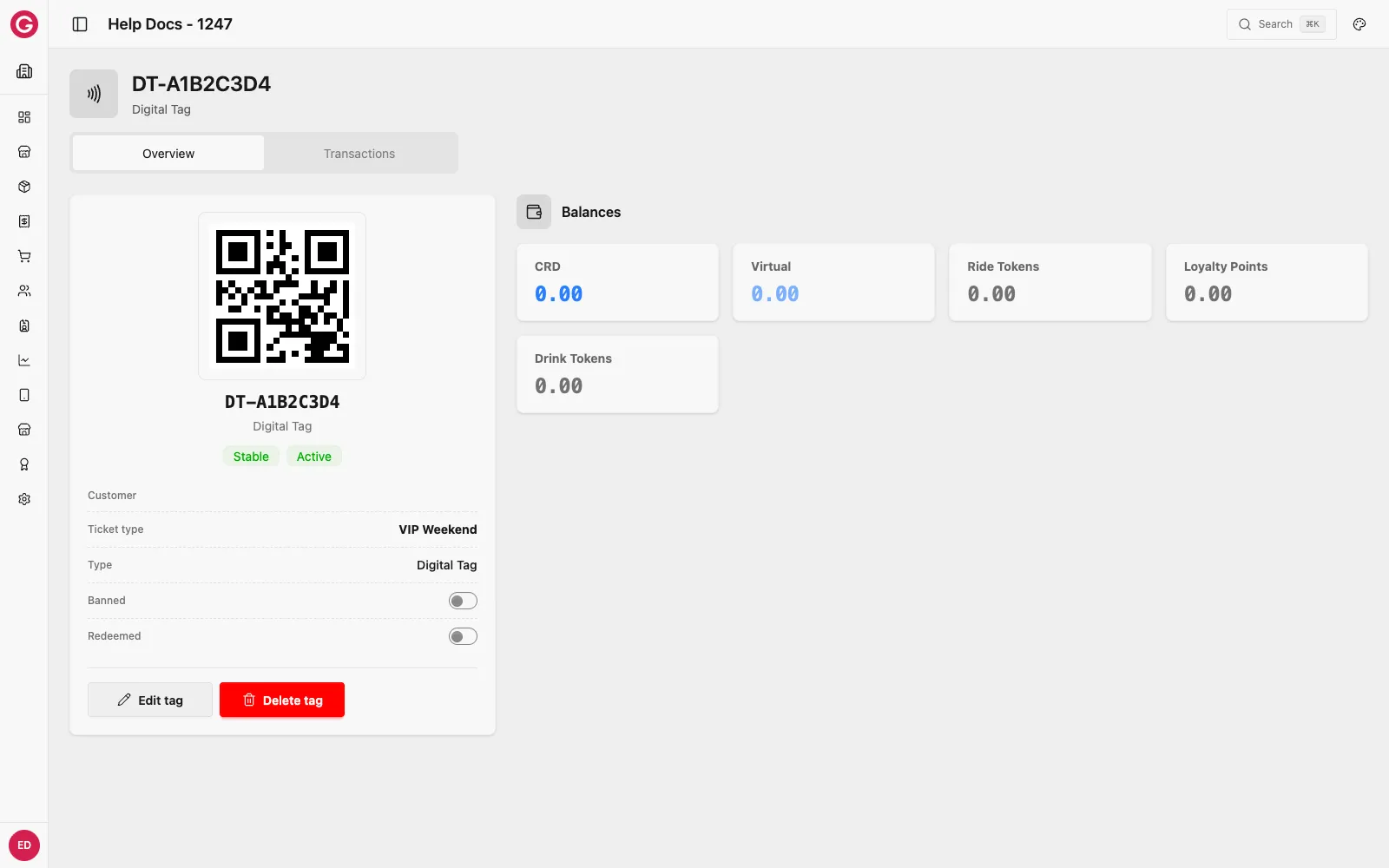
Physical RFID vs Digital Tag
| RFID (physical) | Digital Tag (QR) | |
|---|---|---|
| Medium | NFC wristband / card | QR on phone or printed media |
| Balance storage | Chip + server | Server (DigitalTag + memory slots) |
| Network | Can work offline for many chip writes | Requires online resolve/read/write |
| Enable in Dashboard | Settings → Payments → Wallet → RFID | Settings → Payments → Wallet → QR tag |
Configure which types appear on POS under Payments settings.
When to use Digital Tags
- Events that want phone-based wallets without issuing plastic/wristbands.
- Hybrid events that offer both RFID and QR (set display rank so cashiers see the preferred option first).
Provisioning
You can create digital tags:
- From customer / credential workflows in Dashboard.
- Via customer CSV import by setting
gtag_typetoDigitalTag. - Through Opera APIs (integration teams).
Operator experience
Cashiers choose RFID vs QR in Touch settings, then scan the pink eTag target for QR wallets. See Digital Tags on Touch.
Troubleshooting
| Symptom | What to check |
|---|---|
| QR will not resolve | Device online? Digital Tag active / not banned? |
| Locked / conflict errors | Another device may be writing; retry when online |
| Option missing on POS | Event Payments → Wallet: enable QR tag and sync device |
Related
Physical tags RFID tag lifecycle and balances.
Customer CSV import Bulk-create DigitalTag rows.