
Import customers (CSV)
Dashboard can import customers asynchronously from a CSV. Large files are processed in the background.
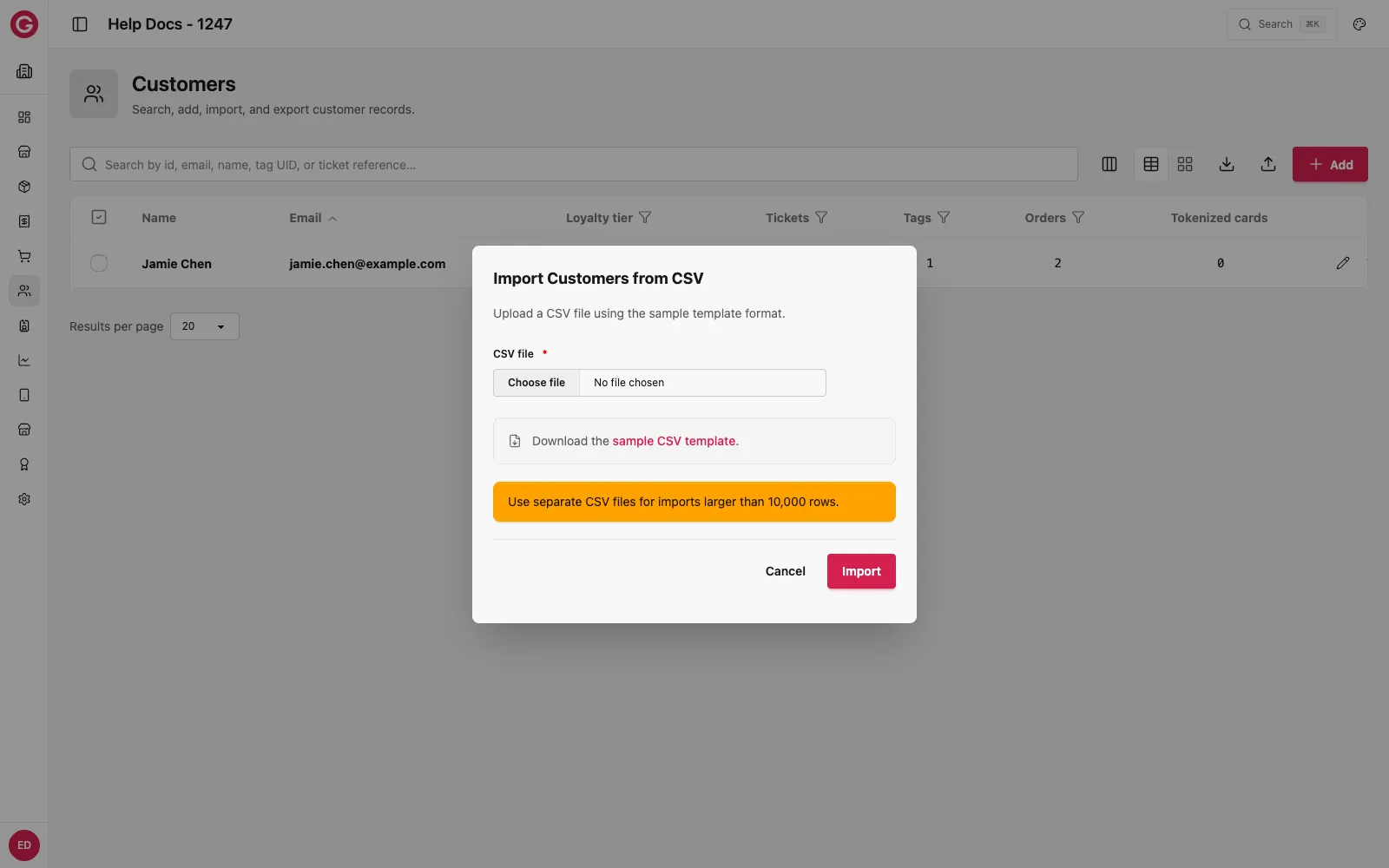
Open import
- Open Dashboard and select your event.
- Go to Customers.
- Click the Import icon in the toolbar and download the sample CSV template if you need the header row.
Columns
Not every column is required. Each row needs a reference and/or a tag_uid. Leave out or leave blank any column you do not use.
| Column | Description |
|---|---|
ticket_type | Optional. Ticket type name |
reference | External / ticket reference (required if there is no tag_uid) |
first_name | Optional. Customer first name |
last_name | Optional. Customer last name |
email | Optional. Defaults to anonymous@glownet.com if blank |
tag_uid | Tag UID (required if there is no reference) |
gtag_type | Optional. DigitalTag for QR wallets; blank or other → PhysicalTag |
tag_ticket_type | Optional. Ticket type for the tag when distinct |
balance | Optional credit balance to apply |
virtual_balance | Optional virtual credit balance |
Physical vs Digital tags
- Set
gtag_typetoDigitalTag(case-insensitive) to create a Digital Tag. - Leave blank (or any other value) to create a physical RFID tag.
After upload
- The import runs as a background job.
- Optional balances are applied through the normal order/top-up pipeline.
- Duplicate references may be ignored—check import results / sample guidance in the UI.