
Settle
Settle pays a connected merchant the outstanding balance owed on their assigned stations, through the integrated payment service provider that enables automated marketplace settlements.
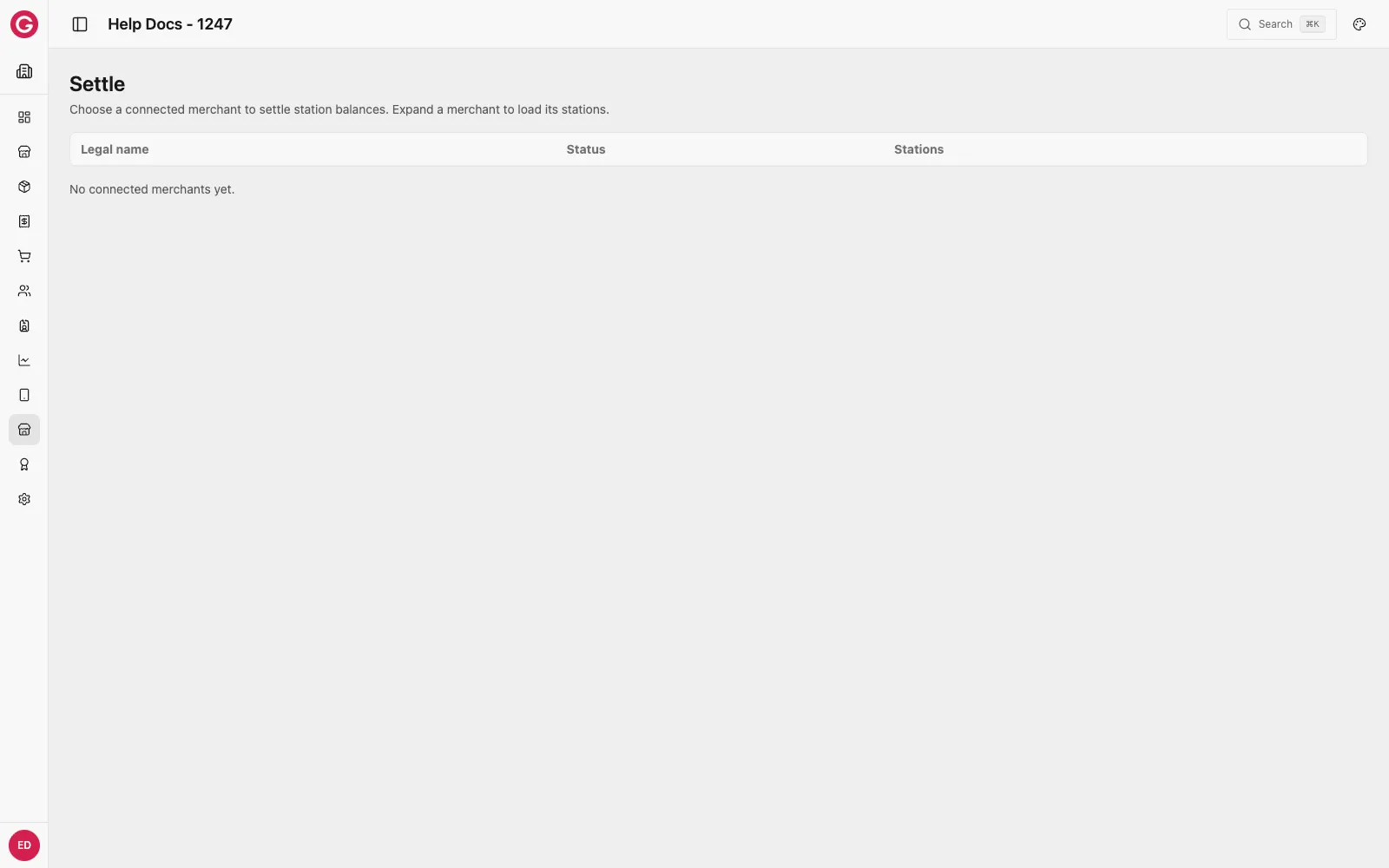
Where to find it
-
Open Dashboard and select your event.
-
Go to Marketplace → Settle.
Only connected merchants appear here — a station without a connected merchant can’t be settled from this page; record its payout manually and log it as a correction instead.
Settling a merchant
-
Find the merchant by Legal name in the list.
-
Expand their row to load the stations assigned to them, and each station’s current balance.
-
Select the stations you want to settle now.
-
Confirm the transfer.
Once a settlement completes, it reduces the affected stations’ balances by the settled amount and appears in Settlements.