
Orders
Orders lists customer and product orders for the event. Refunds under Orders covers order refund workflows.
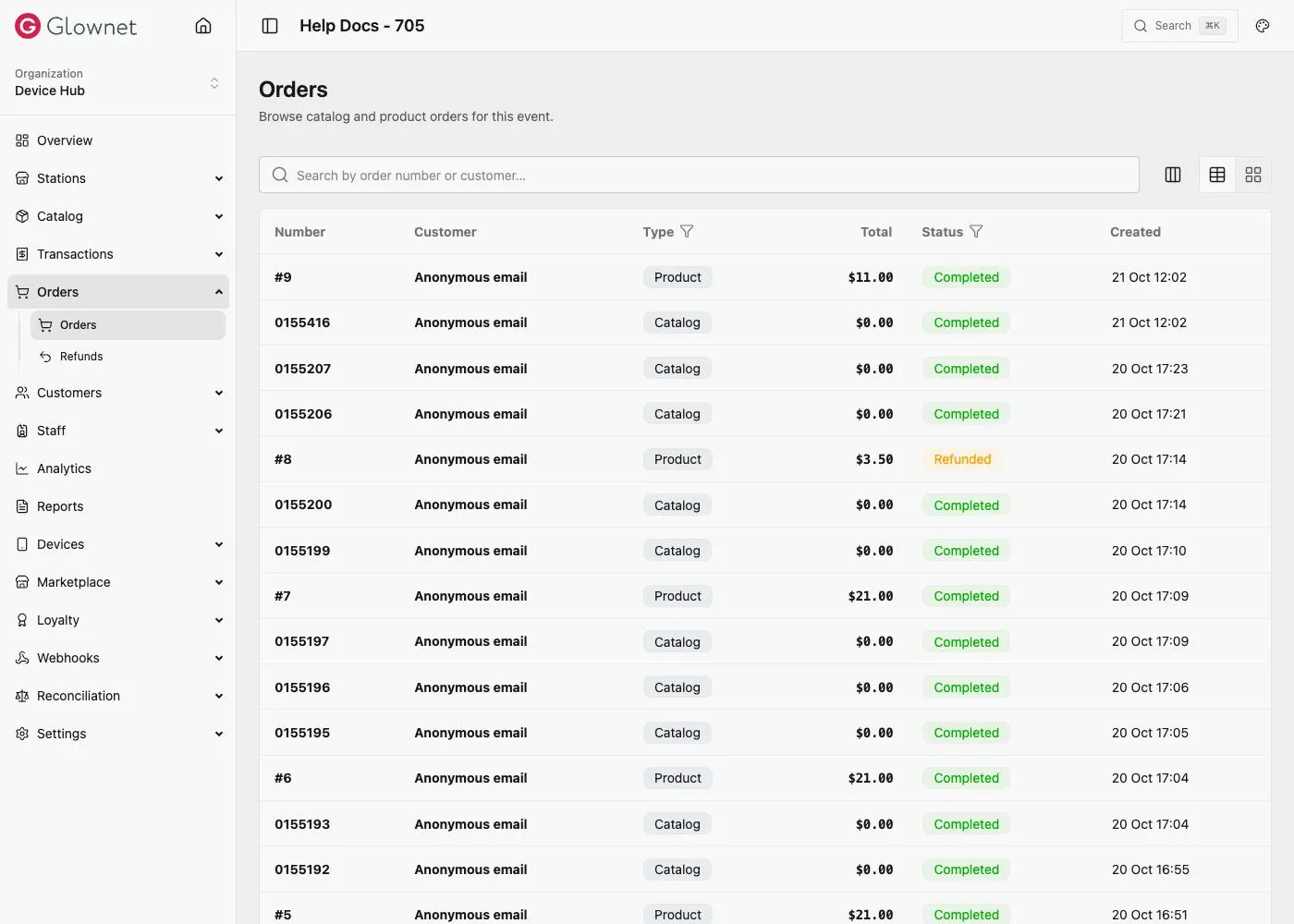
Open orders
- Open your event in Dashboard.
- Click Orders (and Refunds when needed).
- Open an order for detail, status, and related transactions.
Station order / KDS behaviour is configured under Station Order settings when Product orders (BETA) is enabled.
Customer-facing order history may also appear under Customers → Orders.
Station Orders (KDS) Enable orders on bar/vendor.
Transactions Ledger views.