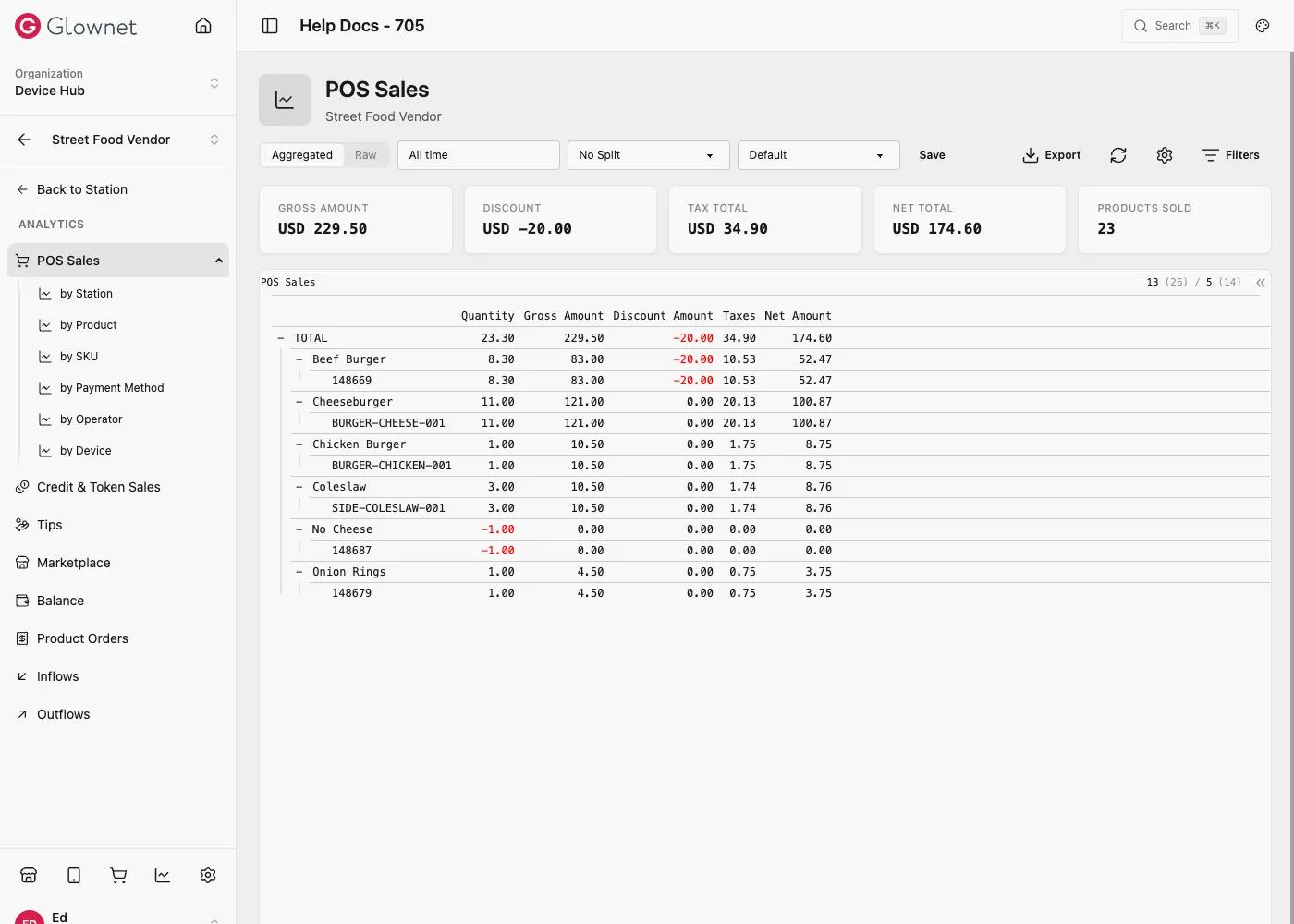
Where to find Analytics
From the event (recommended)
- Open your event in Dashboard.
- In the sidebar, click Analytics.
- Open Analytics.
You land on the Analytics overview and can choose a report from the left menu.
From a station
- Open your event in Dashboard.
- Go to Stations and open a station.
- Look for an Analytics tab or link.
In station context:
- The report list matches that station type (POS, Box Office, Access Control, …).
- Data is limited to that station.
If you do not see Analytics on a station: it may not be available for that station type, or your role may not include it.
Aggregated vs Raw
Most reports offer:
- Aggregated — totals and comparisons
- Raw — detailed rows for audit and export
Use the toggle at the top of the page.
Date range across reports
Changing reports in the left menu keeps your current date range so you can compare the same window.
Sharing links
Shared links may include the date range. Recipients need permission for that report; otherwise they may see “not authorized”.