
Split payments
When split payments are enabled for the event, POS can take one sale across multiple tenders.
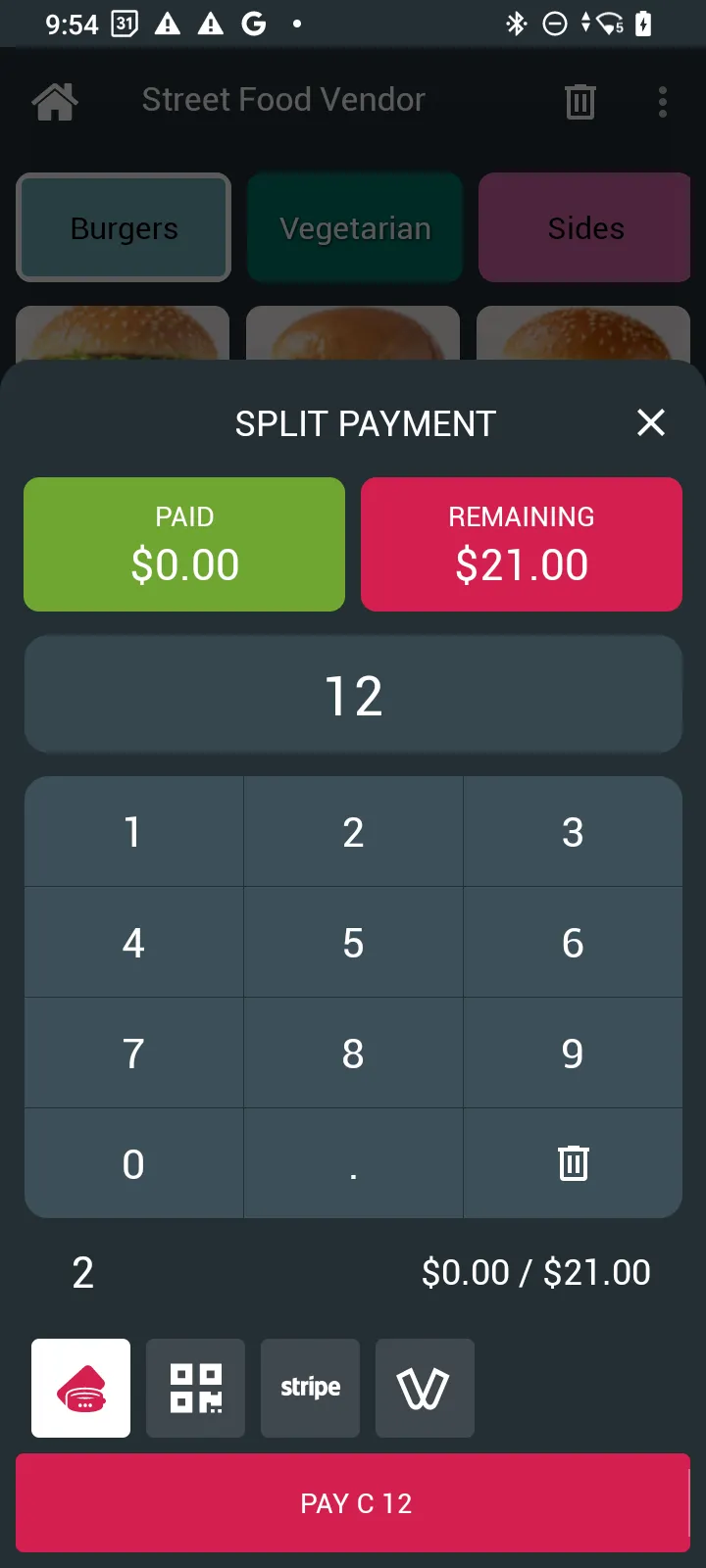
Split a sale
- Build the cart as usual on a bar or vendor station.
- Open Split payment.
- Enter the amount for the first leg.
- Choose a tender (cash, card, SoftPOS, credit / wallet, …) and complete Pay for that leg.
- Repeat until the remaining balance is zero.
Abort and refunds
- Aborting a split may refund money legs already recorded.
- Reversing credit legs can require a physical RFID tap (not QR).
History
Completed split sales appear as merged multi-leg sales in history. Cancel or refund is handled per leg when that action is available.
Admin: enable split payments Event Payments setting.