
Loyalty on Touch
When Loyalty is enabled for the event, Touch consults Opera for discounts and earn.
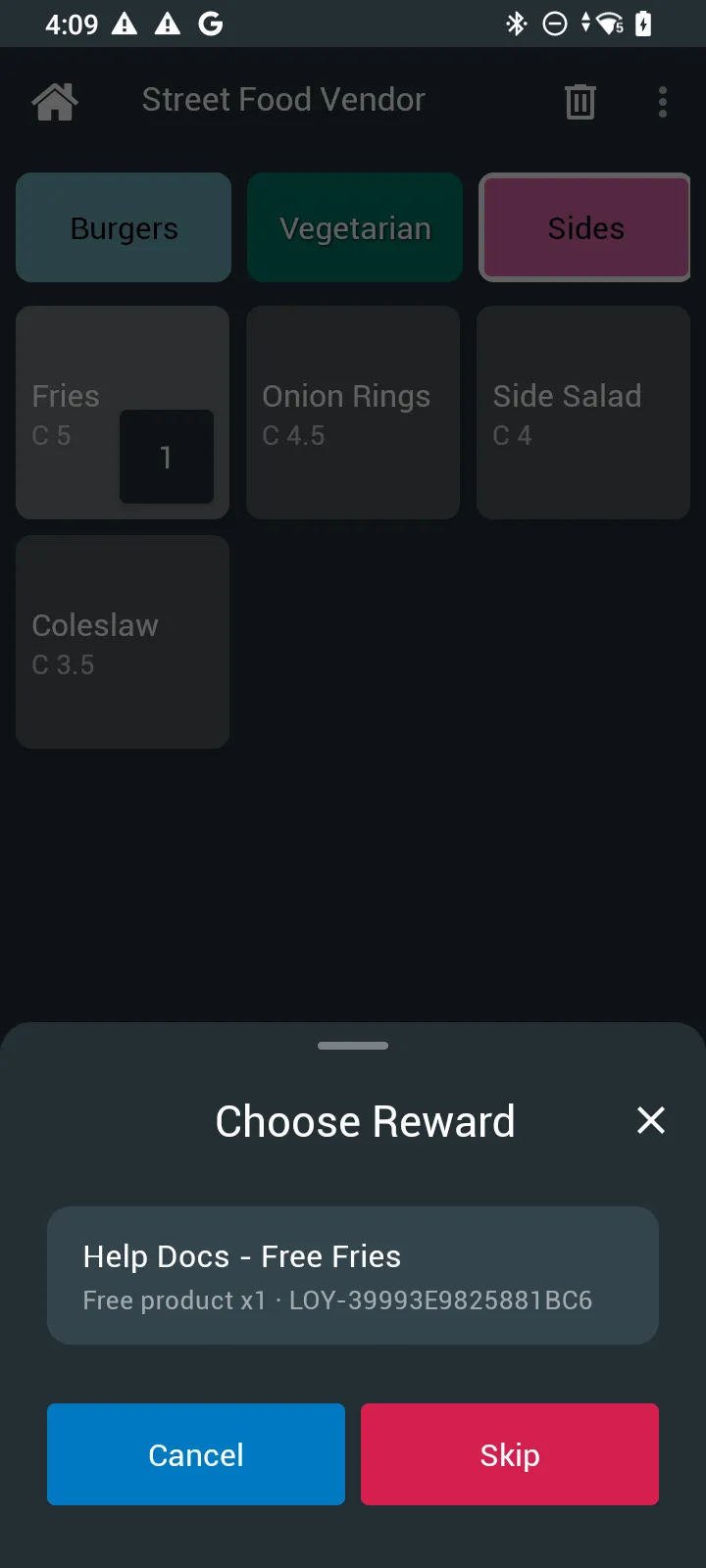
Wallet / credit sale
- Customer presents RFID or QR wallet.
- Touch runs an online loyalty consult and may auto-apply discounts (for example B1G1).
- If prompted, pick a reward.
- Take payment for the post-loyalty total.
- For physical RFID, a second NFC tap may be required to write earn / top-up to the chip.
If the device is offline, consult may be skipped and Opera can rescue earn later when connectivity returns.
Money sale — Add Loyalty
When available on your Touch build:
- Build the cart for a cash / card / SoftPOS sale.
- Tap + → Add Loyalty.
- Scan RFID or QR to bind the member.
- Pay the post-loyalty total, or skip to pay without loyalty.
Tips for cashiers
- Keep devices online for best discount accuracy.
- Use RFID when a second write tap is required.
- See admin docs for program setup: Loyalty overview.
Digital Tags on Touch QR vs RFID presentation.