
Login
Launch the Glownet Application from the Android Launch screen.
If your device was properly registered and staged, you should be presented with the login screen.
Login to your station(s)
The login screen will allow any operator to log in to assigned station(s).
To login, simply tap your operator tag against your device’s NFC reader.
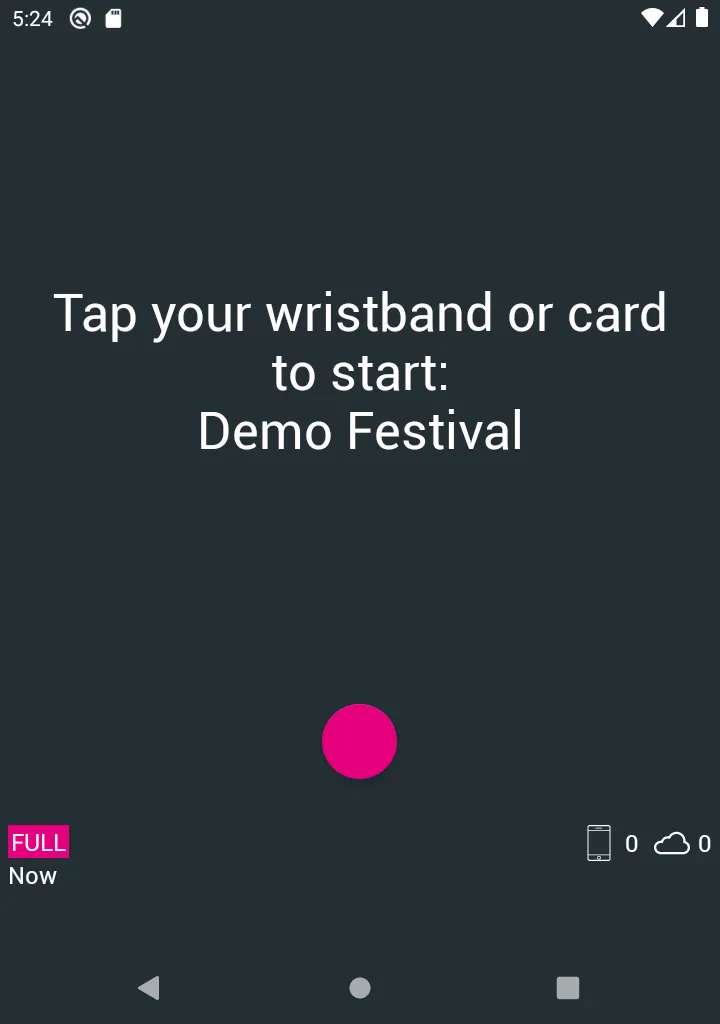
According to your operator permissions, you may access and manage your station(s).
To learn more about operating specific stations, refer to the operator manuals.
Administrator login
As the event administrator, you may log in with a password.
It is not recommended logging in with a password. This should only be used to issue the first Event Manager Tag which should be used instead.
To log in with an administrator password:
-
Long Press the Pink Dot.
-
Input the administrator password.